
The video plays muted, on a loop and with no bar
This happens on the professional website, when you create, edit or open an assessment with videos. In the Videos card, each video starts playing by itself, muted, goes back to the start when it ends and has no progress bar. With several videos, they all play at the same time.
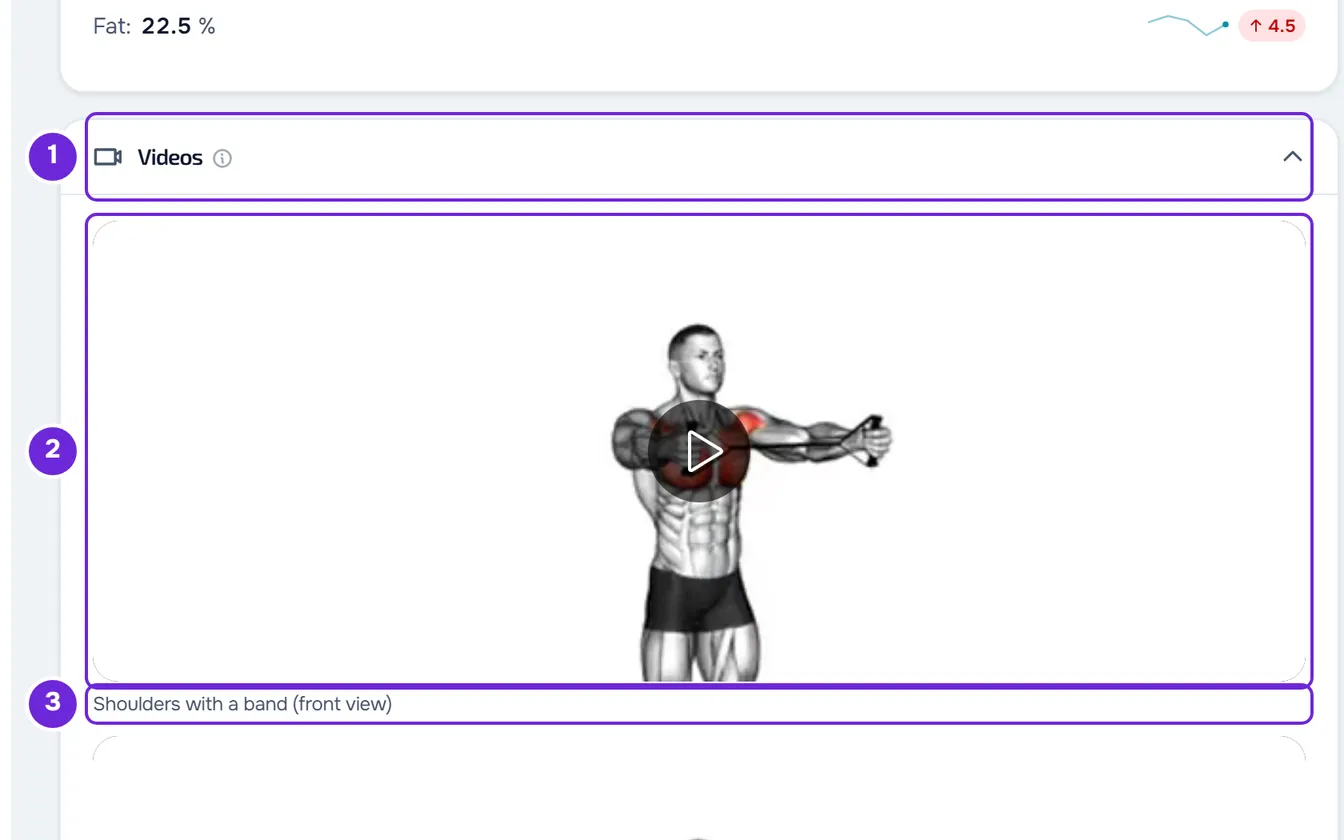
The file has not lost its sound: it is the player on this screen that plays it this way. The client sees the same file with sound, on the website and in the app.
On this screen you can:
- pause the video: select the image. While paused, a circle with the play symbol appears; select it again to resume;
- use the keyboard: move to the video with Tab and press Space or Enter to pause or resume.
There is no volume control, seek bar, skip forward or back, speed, full screen or download button. To hear the sound or review a moment of the video, open the original file on the device you sent it from.
How it looks in each place
The same video can be seen in three ways:
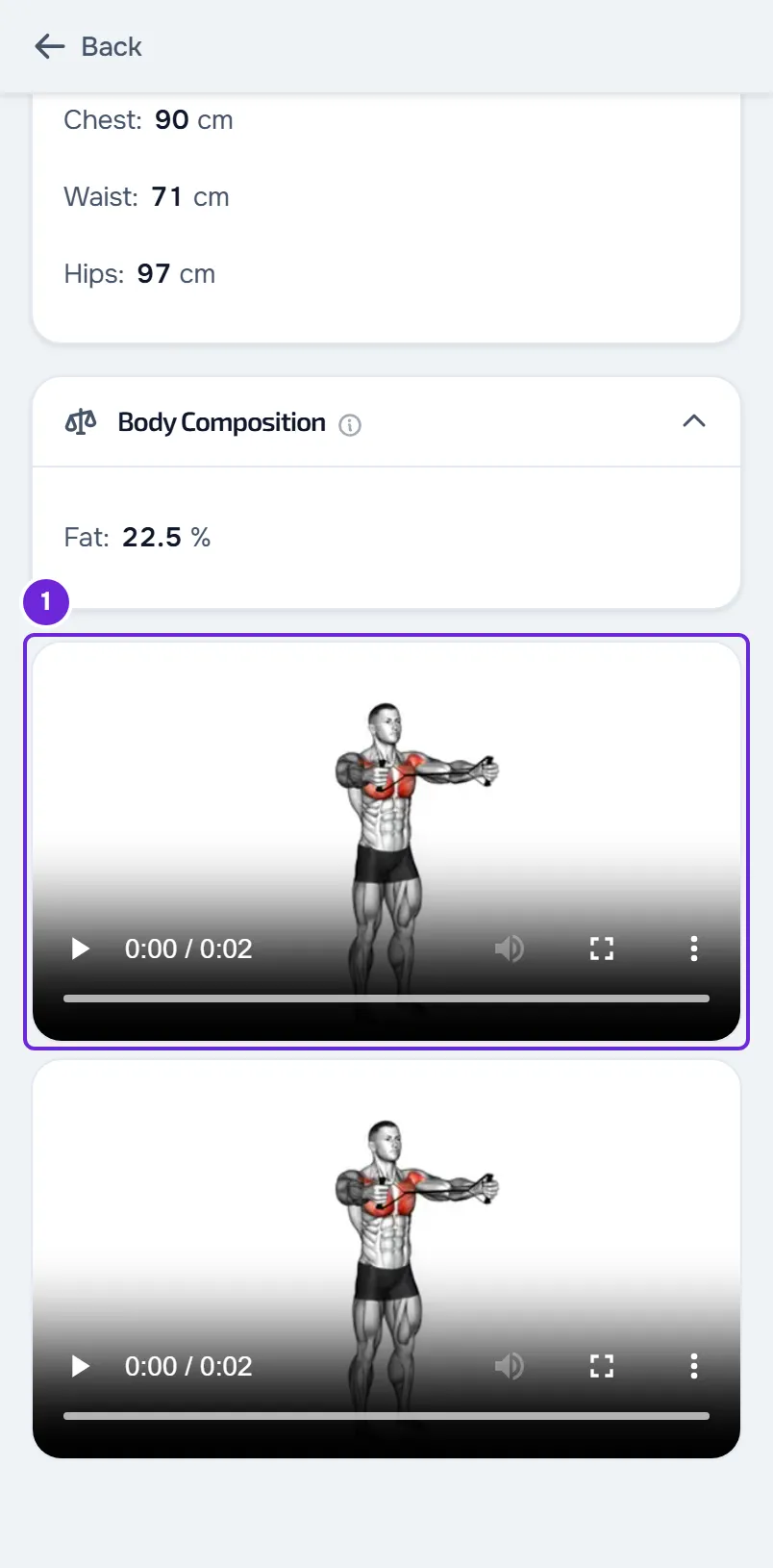
| Behavior | Professional website | Client website | App |
|---|---|---|---|
| Starts | By itself, when the screen opens | When the client plays it | When the video is selected: it opens in full screen and starts right away |
| Sound | No | Yes | Yes |
| Repeats | Yes, nonstop | No | No |
| Controls | No bar: selecting the image pauses and resumes | The browser's bar | Back 10 seconds, play or pause, forward 10 seconds, video position and close |
| Full screen | No | Depends on the browser | Always |
| Label | Under the video | Not shown | On the video's row |
| Several videos | They all play at the same time | Each one plays when the client plays it | One opens at a time |
On the client website, the videos are at the end of the assessment, after the photos and with no title. In the app, they are in the Videos section, one per row. While watching a video in the app, selecting the image shows or hides the controls, which hide by themselves 3 seconds after the last action while the video plays. To close it, use the close button or drag the video down.
The client doesn't see the video label
The label you write on each video, such as “Squat, side view”, appears on the professional website and in the app. On the client website it doesn't appear: it only serves as a name for screen readers. Without a label, the app shows “Videos 1”, “Videos 2” and so on.
So the client knows which video is which on the website, write it in the Notes for the client field, in the assessment's Observations card. On the website, the client reads that note under Notes from your professional.
The client doesn't see the videos
Check, in this order:
- The videos are in a saved physical assessment. Videos are attached only on the professional website, when creating or editing the assessment, and they only stay in it after you save it. The client doesn't attach videos to assessments.
- In the client's profile, on the Assessments tab, the client's access is View only or View and fill in (with the selector closed, Views or Fills in). With No access, the client doesn't see any assessment.
- If the client has a plan with you, that plan includes Progress and check-ins. Without that section, the client can't open assessments.
- The client opens the assessment in Progress > Assessments. On the website, the videos are at the end of the assessment; in the app, in the Videos section.
- In the app, the client has the latest version of the app.
Opening the assessment is slow or uses a lot of data
An assessment has up to 5 videos. On the professional website, they all start playing when the assessment opens, so the browser loads them at the same time. With several large videos, the videos can take a while to load and use a lot of mobile data. In that case, open the assessment on a Wi-Fi network.
“Video unavailable” appears
On the professional website, a video that doesn't open is replaced by a dark box with “Video unavailable” and, under it, the reason:
| Reason | What it means | What to do |
|---|---|---|
| “Network error” | The connection failed partway through loading the video. | Check your internet connection and reload the page. |
| “Playback aborted” | Loading the video was interrupted. | Reload the page. |
| “Unsupported format” | The browser couldn't open the file: it never loaded it or it can't read that format. | Check your internet connection and reload the page. If it continues, edit the assessment, remove the video, attach it again with Add video, preferably as MP4, and save. |
| “Decode error” | The browser can't read the file. | Edit the assessment, remove the video, attach it again with Add video, preferably as MP4, and save. |
| “Unknown error” | The browser didn't give the reason. | Reload the page. If it continues, contact support. |
When you attach a video, the browser converts it to MP4 when the video wouldn't play everywhere and the browser can convert it. When it can't, it sends the original file.
In the app, a video that doesn't open shows “This video could not be played.” and the Try again button. On the client website, the warning is the browser's own.
Compare, PDF and download
- Comparing assessments doesn't include the videos. To review them, open each assessment.
- The assessment PDF doesn't include the videos. When the assessment has photos or videos, the PDF ends with the sentence “The photos and videos of this assessment are in the app.”
- The professional website and the app have no button to download the video. On the client website, the video bar is the browser's and what it offers depends on the browser.
If this did not solve it
If you are the client, talk to your professional first: they attach the videos and decide your access to assessments.
For a problem with the website or the app, write to the MyFitnessClient team using the contact shown at the end of the Help Center home page (in the app, on the “Problems with the app” line). Include:
- the client's name and the date of the assessment;
- where you see the video: on the professional website, on the client website or in the app;
- what happens and the exact message, if one appears;
- the browser or the phone model.