
This happens when you open a professional's profile and the contact card doesn't show Send request, when sending fails in the request window, or when the Find a professional item doesn't appear in the menu. The contact card shows only one situation at a time: the first one in the following table that applies to your account.
What the contact card says
| What you see | Cause | What to do |
|---|---|---|
| “Request pending”, with “Waiting for a response. You can chat while you wait!” | You asked this professional for coaching and they haven't answered yet. | Wait for the answer. Open chat opens the request's conversation and Cancel request withdraws it. |
| “{name} is already working with you”, with “To talk, use the chat in the app.” | This professional has already accepted you and the coaching starts on a set date. | You don't need to ask. Open chat takes you to your conversations. |
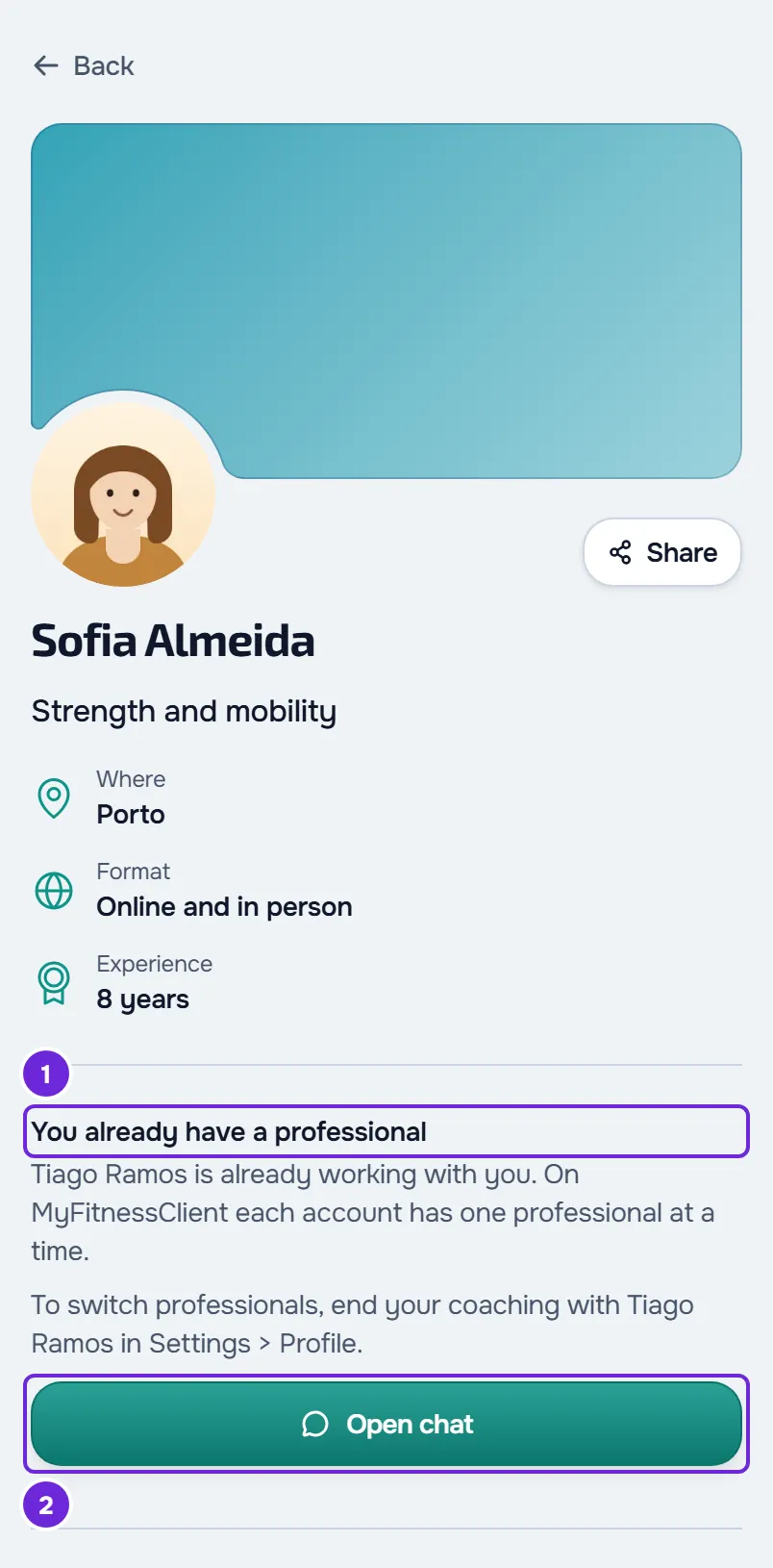
| “You already have a professional”, with “{name} is already working with you. On MyFitnessClient each account has one professional at a time.” | Another professional already coaches you, or starts coaching you on a set date. | To ask this professional, first end your current coaching in Settings > Profile. |
| “{name} has already invited you”, with “Accept or decline the invitation on your home screen.” | This professional has already sent you an invitation, which is waiting for you. | Select View invitation and answer the invitation on Home. |
| “You can only send requests to professionals from age 16. To be coached by {name}, ask them to send you an invitation.” | According to the date of birth on your account, you are under 16. | Ask the professional to send you an invitation. |
| “This professional isn't accepting new clients right now.” | The professional isn't taking new clients. | Choose another professional, or come back later. |
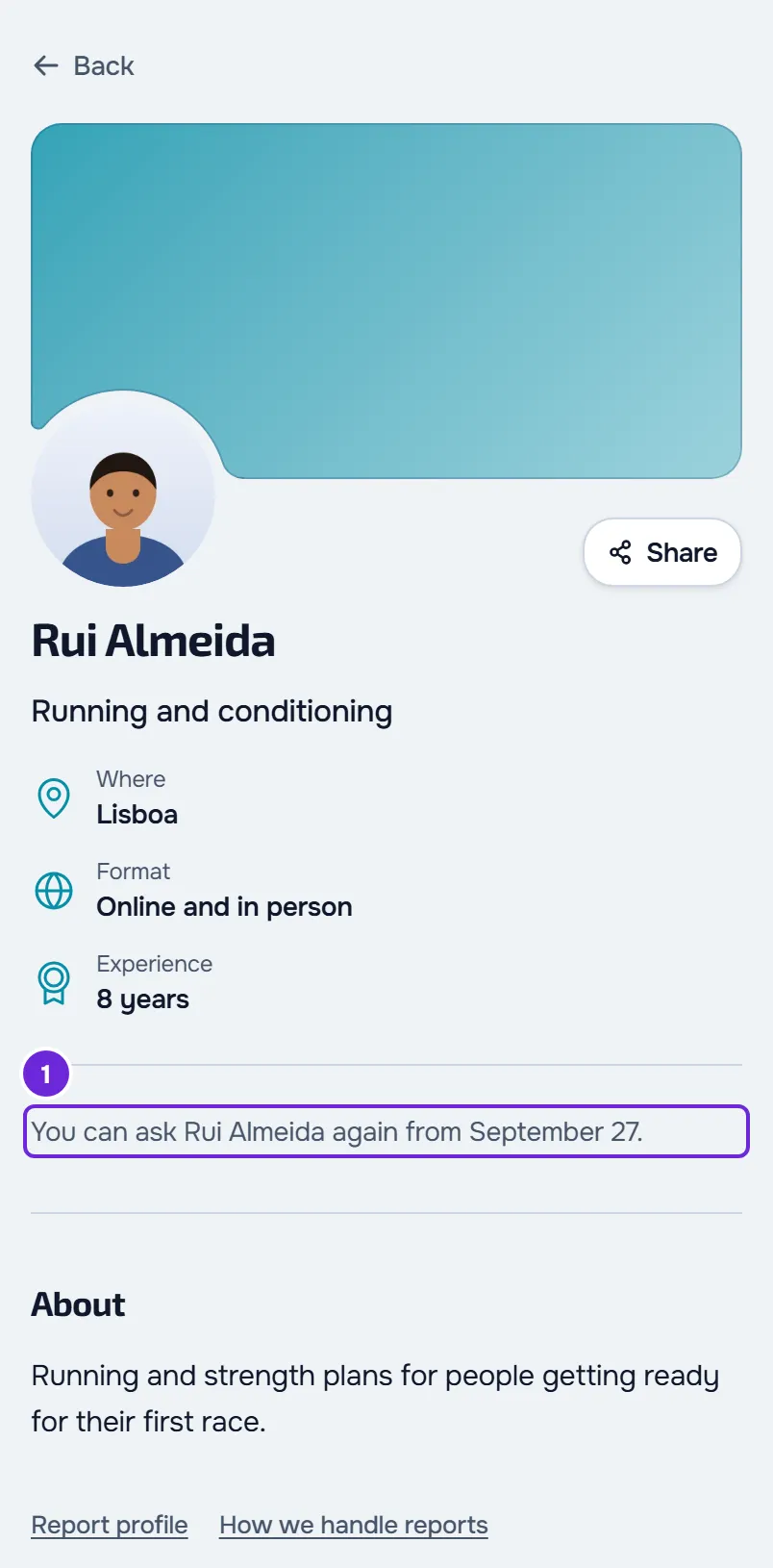
| “You can ask {name} again from {date}.” When the date can't be shown: “It isn't possible to ask {name} for coaching right now.” | This professional declined a request from you less than 30 days ago. The date is the first full day after those 30 days. | Wait until that date, or ask another professional now: the wait only applies to this one. An invitation from this professional still works. |
| “You've already asked {name}” or “You already have a request waiting”, with “Cancel that request to ask another professional.” | You have a request waiting with another professional, and each account has only one waiting request at a time. | Cancel that request and come back to this profile. The steps are in the next section. |
| The Send request button and, if the professional has a number, the WhatsApp button | Nothing prevents the request. | Select Send request. |
If a professional's profile opens straight to the chat with them, you're already their client and there is nothing to ask for. To end your current coaching, see End coaching or disconnect from your professional. To answer an invitation, see Accept or decline your professional's invitation. The age rules are in Minimum age and accounts for minors.
Ask another professional when you already have a request waiting
To swap your waiting request for a request to another professional:
- On the “You've already asked {name}” card, select View request. The profile of the professional you asked opens.
- On the “Request pending” card, select Cancel request.
- In the “Cancel the request?” window, select Cancel request to confirm. The notice “Request cancelled” appears.
- In Find a professional, open the profile of the professional you want to ask.
- Select Send request.
- In the “Contact {name}” window, tick the health data consent box and select Send request.
The window shows “Request sent” and the profile card changes to “Request pending”. If in the first step the button is Go to the app instead of View request, that professional's page doesn't open: select Go to the app and cancel the request on Home.
Sending fails in the “Contact {name}” window
The window's Send request button only becomes active after you tick the box “I authorize {name}, and the team members they give access to, to view and process my health data…”. The box always starts unticked.
If the server refuses the request, a notice appears with one of these messages:
| Message | Cause | What happens and what to do |
|---|---|---|
| “You can only ask this professional again 30 days after they declined.” | The professional declined a request from you after you opened the profile. | The window closes and the card shows the date from which you can ask again. |
| “You already have a request waiting with another professional. Cancel it to ask this one.” | You asked another professional after opening this profile, for example in another tab. | The window closes. Cancel that request first. |
| “You already have an active professional.” | You got another professional after opening the profile. | The window closes. To switch professionals, first end that coaching. |
| “This professional has already invited you. Accept or decline the invitation on your home screen.” | The professional sent you an invitation after you opened the profile. | The window closes. Answer the invitation on Home. |
| “This account is already linked to this professional.” | This professional already coaches you or has a scheduled start for your coaching. | The window closes. You don't need to ask. |
| “This professional is not accepting new clients.” | The professional stopped accepting new clients, their profile is no longer public or their account was deactivated. | The message stays in the window. Choose another professional. |
| “You can only send requests to professionals from age 16. Ask your professional for an invitation.” | According to the date of birth on your account, you are under 16. | The message stays in the window. Ask the professional for an invitation. |
| “Too many requests. Wait a moment.” | More than 5 sends in one minute from the same IP address, or more than 20 in one hour from your account. | The message stays in the window. Wait and try again. |
When the window closes, the profile is read again and the contact card shows the right situation, from the first table.
The Find a professional item doesn't appear
The Find a professional item in the menu and the Find button on the “You don't have a professional yet” card, on Home, only appear when your account can look for a professional. They are missing in these cases:
- The marketplace is turned off on the platform. The list's address goes back to Home and the Home card suggests that you ask your professional for an invitation.
- According to the date of birth on your account, you are under 16. The same happens as with the marketplace turned off: you can only join with a professional's invitation or link.
- You already have a professional. The menu shows the coaching sections. If you open the list's address, you see “You already have a professional”, with their name and the Open chat button.
- Coaching with your professional hasn't started yet, has ended or was archived, and you haven't disconnected from them. The menu keeps the client sections and the list's address goes back to Home. See Access statuses: scheduled, ended and inactive and End coaching or disconnect from your professional.
- You're in the app on your phone. The app has neither the list of professionals nor a way to send requests: use the website, in the browser.
On Home, the Find button is also missing when you have a request waiting, because the card changes to “You asked {name}”, and when you have an invitation waiting, because the invitation appears in place of the card. In those two cases, the menu item is still there.
With no professional and no invitation, see “You don't have a professional yet”: what to do.
The profile says “Professional not found”
The profile doesn't open and “Professional not found” appears, with the Back button, when the profile is no longer public, the professional's account was deactivated, the professional blocked you or the marketplace was turned off. Choose another professional. The profile of a professional you sent a request to from their profile keeps opening while the request waits for an answer, even if the profile stops being public or the marketplace is turned off.
Request rules
These rules apply to every coaching request you send from a professional's profile:
| Rule | What applies |
|---|---|
| Professionals per account | One at a time, with coaching under way or with a scheduled start. |
| Waiting requests | One at a time. To ask another professional, first cancel the one you have waiting. |
| Wait after a decline | 30 days, only for the professional who declined. It doesn't prevent requests to other professionals or an invitation from that professional. |
| Unanswered request | The professional gets a reminder after 3 days. After 14 days the request expires, you get a notice and you can ask again. |
| Minimum age to ask | 16. From 13 to 15, you can only join with a professional's invitation or link. |
| Professional | Active account, public profile and accepting new clients. A professional who blocked you doesn't appear in the list. |
| Request message | Optional, up to 5000 characters. |
| Request conversation | Up to 2000 characters per message. The last 200 messages are kept. |
| Sends | Up to 5 per minute from the same IP address, also counting profile reports. Up to 20 per hour per account, also counting requests made on the professional's public page. |
If this did not solve it
Write to the MyFitnessClient team through the contact shown in the Help Center and send the professional's name, the exact message, where you saw it (contact card, “Contact {name}” window or menu) and the date.